โ“ Help Scripts

This page explains how to use the help scripts included in the Img2Num project.

There are two sets of help scripts:

  1. Root project scripts (/scripts/help.js) โ€“ provides an interactive CLI for the main Img2Num scripts.
  2. Docs scripts (/docs/scripts/help.js) โ€“ provides descriptions for the Docusaurus documentation scripts.

Root Project Helpโ€‹

Run the following command from the project root:

npm run help

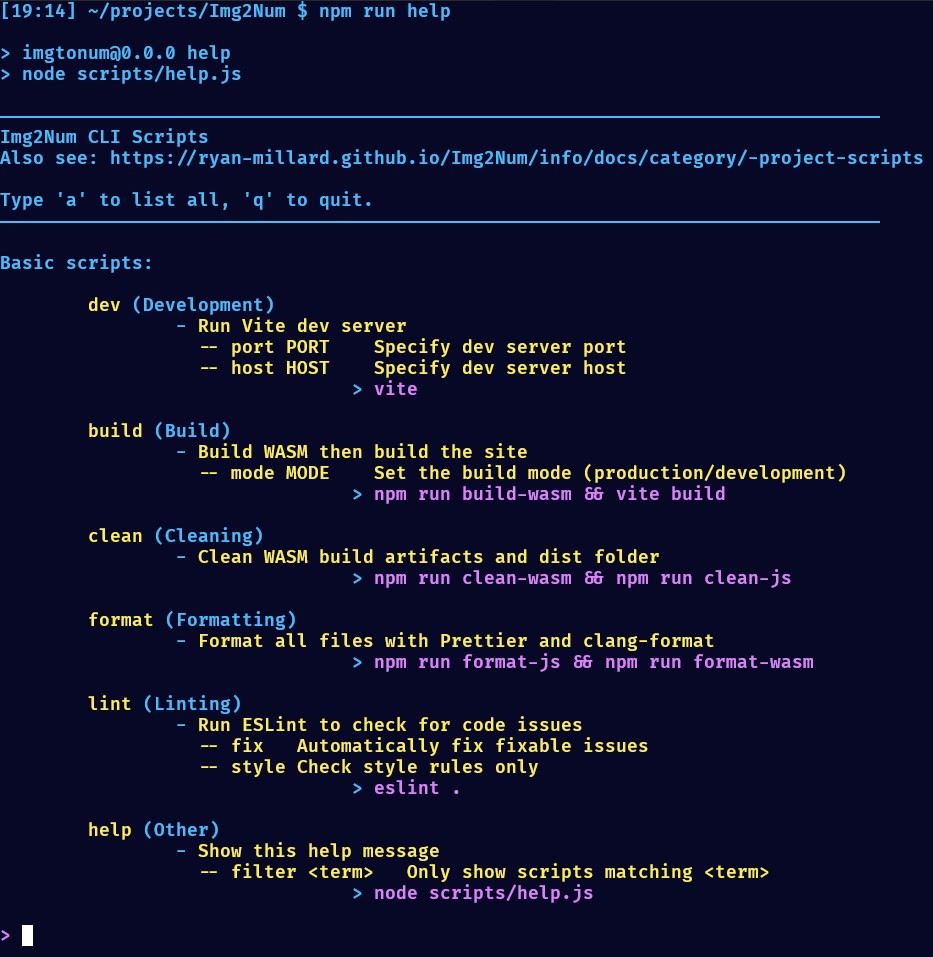
This launches an interactive CLI that shows all scripts in package.json grouped by category and allows fuzzy search.

Example Output
npm run help

> imgtonum@0.0.0 help
> node scripts/help.js

Basic scripts (get started quickly): - dev: Run Vite dev server > vite - build: Build WASM then build the site > npm run build-wasm && vite build - clean: Clean WASM build artifacts and dist folder > npm run clean-wasm && npm run clean-js - format: Format all files with Prettier and clang-format > npm run format-js && npm run format-wasm - lint: Run ESLint to check for code issues > eslint . - help: Show this help message > node scripts/help.js

Search for a script using fuzzy finding. Type 'a' to list everything, 'q' to quit.

>

Features:

  • Lists scripts in groups:
  • Development
  • Build
  • Cleaning
  • Formatting
  • Linting
  • Other
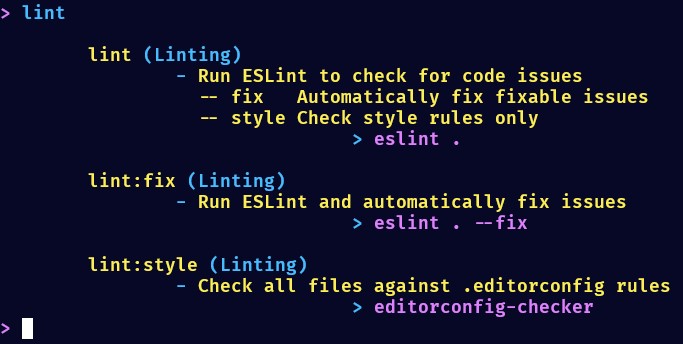
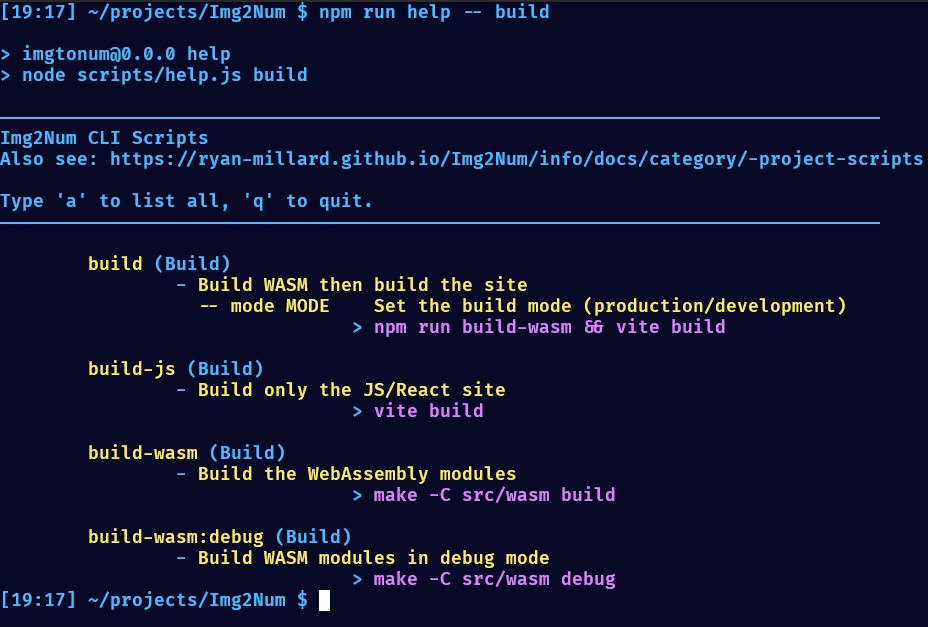
  • Allows fuzzy search for script names.
  • a + enter lists all scripts.
  • q + enter quits the CLI.

Docusaurus Docs Helpโ€‹

Inside the /docs folder, run:

npm run help

This prints all available Docusaurus scripts with a description.

Example Output
npm run help

> docs@0.0.0 help
> node scripts/help.js

Available docs scripts:

- help: No description

> node scripts/help.js

- docusaurus: Run Docusaurus CLI

> docusaurus

- start: Start the Docusaurus dev server

> docusaurus start

- build: Build the Docusaurus site

> docusaurus build

- swizzle: Customize Docusaurus theme components

> docusaurus swizzle

- deploy: Deploy the site

> docusaurus deploy

- clear: Clear Docusaurus cache

> docusaurus clear

- serve: Serve the production build locally

> docusaurus serve

- write-translations: Write translation files

> docusaurus write-translations

- write-heading-ids: Add heading IDs for MDX
> docusaurus write-heading-ids

Run a script with `npm run <script-name>`

Notes:

  • These scripts are meant to manage the documentation site.
  • Use start to run a local dev server for docs.
  • Use build and deploy to publish to GitHub Pages.
  • swizzle allows customizing theme components safely.
  • write-translations and write-heading-ids are useful for internationalization and stable MDX anchors.